
Tips for Creating a Cozy and Productive Home Office Environment
lapanie.pro >> society>> Tips for Creating a Cozy and Productive Home Office Environment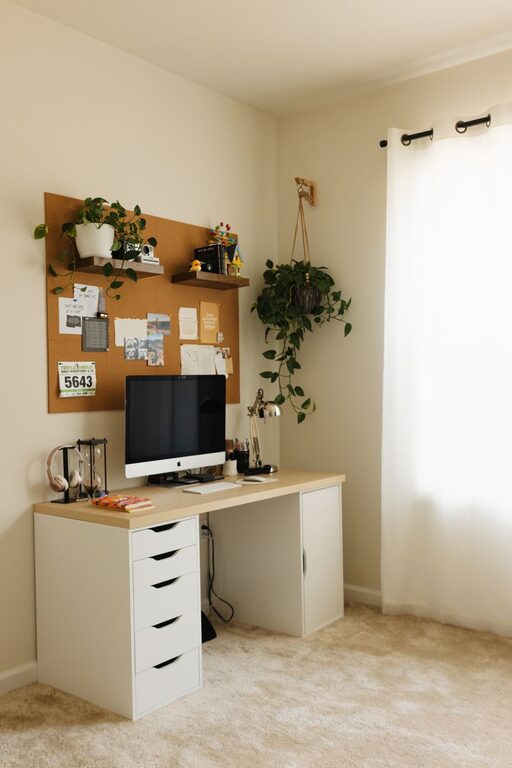
Tips for Creating a Cozy and Productive Home Office Environment
Creating a cozy and productive home office environment is essential for anyone working remotely or running a business from home. A well-designed workspace not only boosts your efficiency but also makes your workday more enjoyable. Whether you have a dedicated room or just a small corner in your home, these tips will help you design a space that feels inviting and supports your productivity.
Choose the Right Location
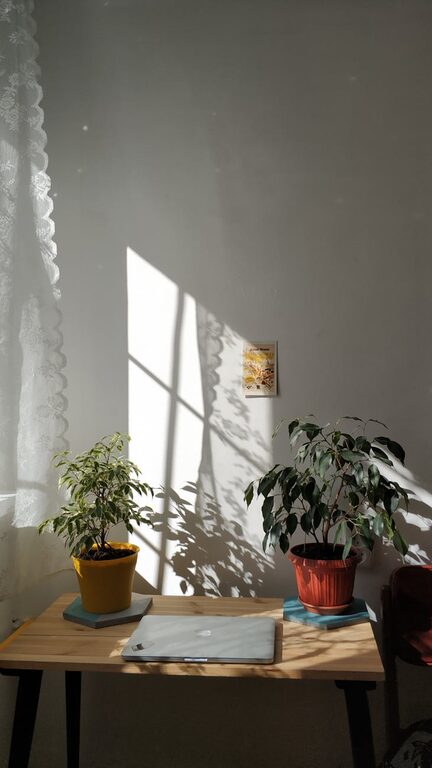
Selecting the ideal spot for your home office is the first step. Look for a quiet area with minimal distractions. Natural light is a big plus, as it helps reduce eye strain and improves mood. If possible, pick a space near a window to enjoy daylight and fresh air. Avoid placing your desk facing a wall or in a cramped, cluttered spot.
Invest in Comfortable Furniture
Comfort matters when you’re spending hours at your desk. Invest in a good ergonomic chair that supports your posture and reduces back pain. A sturdy desk with enough surface area allows you to spread out your work materials without feeling cramped. Adjustable desks that let you switch between sitting and standing can also improve comfort and health.
Organize with Purpose
Keeping your workspace tidy helps reduce stress and keeps your mind clear. Use storage solutions such as shelves, drawers, and filing cabinets to keep papers and supplies out of sight but accessible. Desk organizers, pen holders, and cable management tools prevent clutter on your desktop. A clean, organized workspace promotes focus and efficiency.
Add Personal Touches
While maintaining professionalism, you can make your office feel cozy by adding elements that inspire you. Photos, artwork, plants, or a favourite mug can make the space feel more welcoming. Greenery, even in the form of small indoor plants, can improve air quality and create a relaxing atmosphere.
Optimize Lighting
Good lighting is crucial for productivity and comfort. Aside from natural light, invest in adjustable desk lamps that provide focused light for reading and detailed tasks. Avoid harsh overhead lighting; soft, warm lights are easier on the eyes and help maintain a pleasant ambiance.
Minimize Noise and Distractions
Noise can disrupt concentration, so consider ways to block out distractions. Noise-cancelling headphones or white noise machines can help create a quiet environment. Inform household members of your work hours to reduce interruptions. Keeping your phone on silent or using apps to limit distractions can also boost focus.
Use Technology Wisely
Equip your office with the right technology to work efficiently. A fast internet connection, a good-quality monitor, and ergonomic peripherals like a wireless keyboard and mouse can make a big difference. Keep your computer and software updated to avoid technical issues that can interrupt your workflow.
Maintain a Routine
A consistent daily routine helps separate work from home life. Set regular work hours and take breaks to avoid burnout. Stand up, stretch, or take a short walk during breaks to refresh your mind and body. Creating clear boundaries between work and relaxation supports long-term productivity.
Keep Wellness in Mind
Don’t forget to integrate wellness into your workspace. Consider an air purifier if the room is stuffy. Use a humidifier in dry periods to improve comfort. Having a water bottle nearby encourages hydration throughout the day. Listening to soft background music or nature sounds can reduce stress and create a calm work environment.
Conclusion
Designing a home office that feels both cozy and productive is about balance. By choosing the right location, investing in ergonomic furniture, keeping organized, and adding personal touches, you can create a space that supports your work and well-being. Optimize lighting and noise levels, use technology wisely, and develop a daily routine to enhance your focus. With these tips, you’ll enjoy working from home in a space that inspires and comforts you every day.
Related Post

Tips for Organizing a Productive Home Office Space
Creating a productive home office space can greatly improve your focus and efficiency, making remote…